Code Blocks
Syntax-highlighted code blocks with support for 60+ programming languages and themes.
Basic Code Blocks
Create fenced code blocks using triple backticks:
```
Plain code without syntax highlighting
```
Plain code without syntax highlightingLanguage-Specific Highlighting
Specify the language after the opening backticks for syntax highlighting:
```javascript
function greet(name) {
  console.log(`Hello, ${name}!`);
}
```
function greet(name) {
console.log(`Hello, ${name}!`);
}Supported Languages
mdedit.ai supports syntax highlighting for 60+ languages including:
Web Development
// JavaScript
const app = express();
// TypeScript
interface User {
name: string;
age: number;
}<!-- HTML -->
<div class="container">
<h1>Hello World</h1>
</div>/* CSS */
.button {
background-color: #007bff;
border-radius: 4px;
}Backend Languages
# Python
def fibonacci(n):
    if n <= 1:
        return n
    return fibonacci(n-1) + fibonacci(n-2)
// Java
public class HelloWorld {
public static void main(String[] args) {
System.out.println("Hello, World!");
}
}// Go
package main
import "fmt"
func main() {
fmt.Println("Hello, World!")
}// Rust
fn main() {
println!("Hello, world!");
}<?php
// PHP
echo "Hello, World!";
?># Ruby
puts "Hello, World!"Other Languages
# Bash
echo "Hello, World!"
ls -la
-- SQL
SELECT * FROM users
WHERE age > 18
ORDER BY name;{
"name": "mdedit.ai",
"version": "1.0.0"
}# YAML
name: mdedit.ai
version: 1.0.0
features:
- markdown
- syntax-highlighting# Markdown
This is **bold** and this is *italic*Code Block Features
Line Numbers
Enable line numbers in settings to show line numbers for all code blocks.
function calculateSum(a, b) {
  return a + b;
}

const result = calculateSum(5, 10);
console.log(result); // 15
Line Wrapping
Control whether long lines wrap or require horizontal scrolling.
const veryLongString = "This is a very long line of code that might extend beyond the visible width and may require wrapping or scrolling to view completely";Copy to Clipboard
Each code block includes a copy button for easy copying of code snippets.
Syntax Highlighting Themes
Choose from 60+ themes including:
Popular Themes
- github - GitHub's light theme
- dracula - Dark theme with vibrant colors
- monokai - Sublime Text's iconic theme
- nord - Arctic-inspired color palette
- solarized-dark/light - Precision colors
- atom-one-dark/light - Atom editor theme
- tomorrow-night - Pastel colors
- gruvbox - Retro groove colors
- material - Material Design inspired
Light Themes
- a11y-light
- github
- gruvbox-light
- solarized-light
- vs (Visual Studio)
Dark Themes
- a11y-dark
- atom-one-dark
- dark
- dracula
- gruvbox-dark
- monokai
- night-owl
- nord
- solarized-dark
- tomorrow-night
- vs-dark
Inline Code
Use single backticks for inline code:
Use the `console.log()` function to print output.Use the console.log() function to print output.
Multiple Code Blocks
Include multiple code blocks in sequence:
```javascript
// First example
const x = 5;
```

```python
# Second example
x = 5
```
// First example
const x = 5;# Second example
x = 5Code Block with Long Lines
const apiUrl = "https://api.example.com/v1/users/123/profile?include=posts,comments,likes&fields=id,name,email,created_at&sort=-created_at&limit=100";Special Characters in Code
Code blocks preserve all special characters:
Pipes: | | |
Asterisks: * * *
Backticks: ` ` `
HTML: <div></div>
Indented Code Blocks
You can also create code blocks by indenting lines with 4 spaces:
This is an indented code block It works but fenced code blocks are preferred No syntax highlighting available
Best Practices
- Always specify the language for better syntax highlighting
- Keep code blocks focused - one concept per block
- Add comments to explain complex code
- Use appropriate themes that match your document style
- Test readability in both light and dark modes
Code Block Tools
mdedit.ai provides tools for working with code:
- Code Prettify: Auto-format code blocks
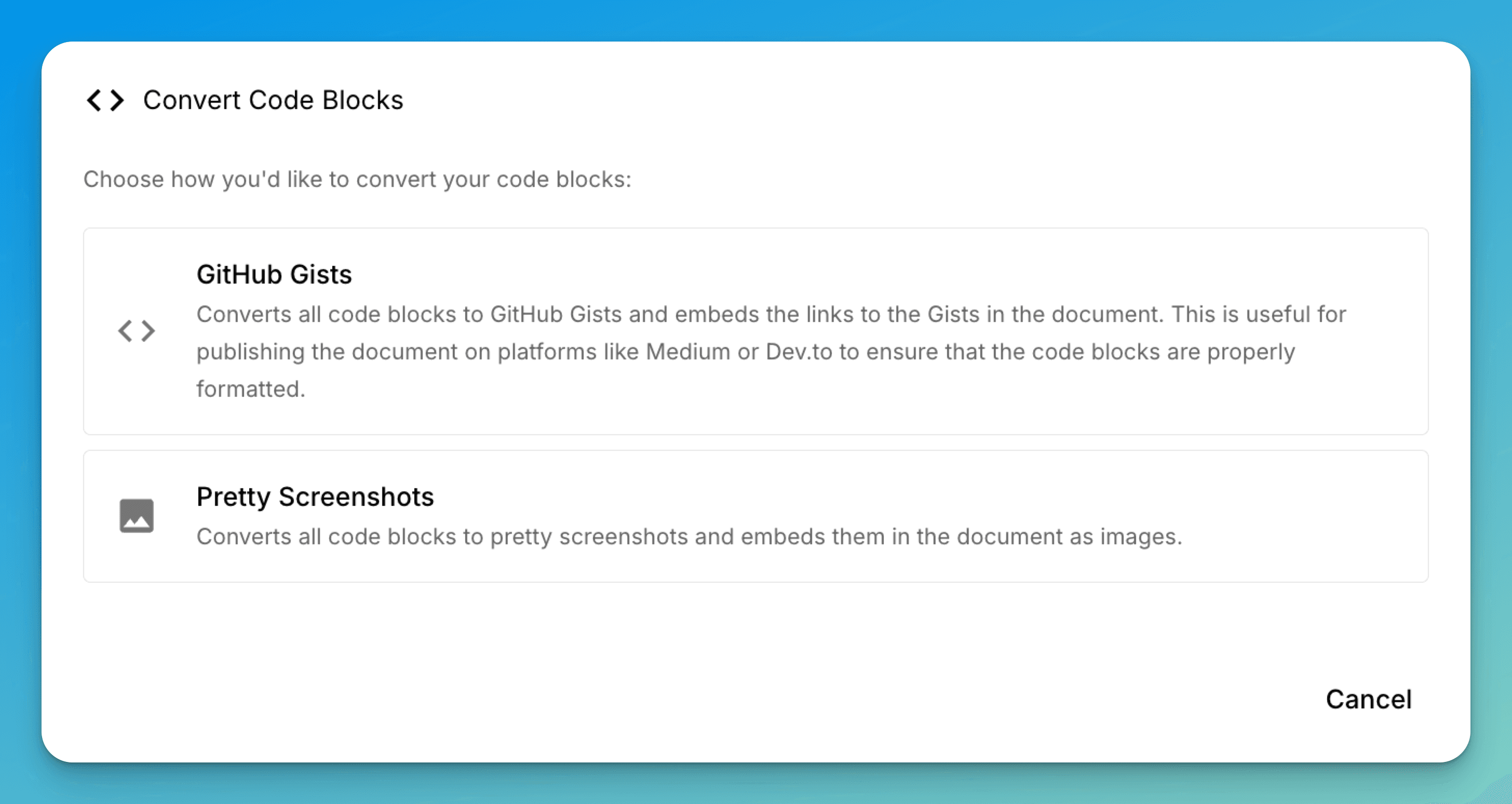
- Code Screenshots: Generate images of code blocks
- Language Detection: Automatically detect programming languages
- Gist Creation: Publish code blocks as GitHub Gists
Enhanced Code Features in mdedit.ai
mdedit.ai provides powerful features for working with code blocks beyond basic syntax highlighting.
Convert Code to GitHub Gist
Select any code block and use the context menu to:
- Convert to GitHub Gist - Publish your code snippet as a public or private gist
- Share the gist link - Easily share code with others
- Embed the gist - The markdown is automatically updated with the gist embed code
Generate Code Screenshots
Create beautiful, shareable images of your code:
- Select a code block
- Use "Generate Screenshot" from the context menu
- Customize the theme and appearance
- Export or embed the screenshot in your document
These visual features make it easy to share code snippets on social media, in presentations, or in documentation without worrying about syntax highlighting or formatting.