API Keys
API keys let you authenticate to MDedit services without signing in interactively. They’re intended for things like the MDedit CLI, direct API usage, and future integrations (including MCP).
Create an API key
- Open MDedit.
- Go to Settings → Integrations → API Keys.
- Click Create API Key.
- Enter a name (optional: description + expiration).
- Click Create.
- Copy the key and store it somewhere safe — it’s shown only once.
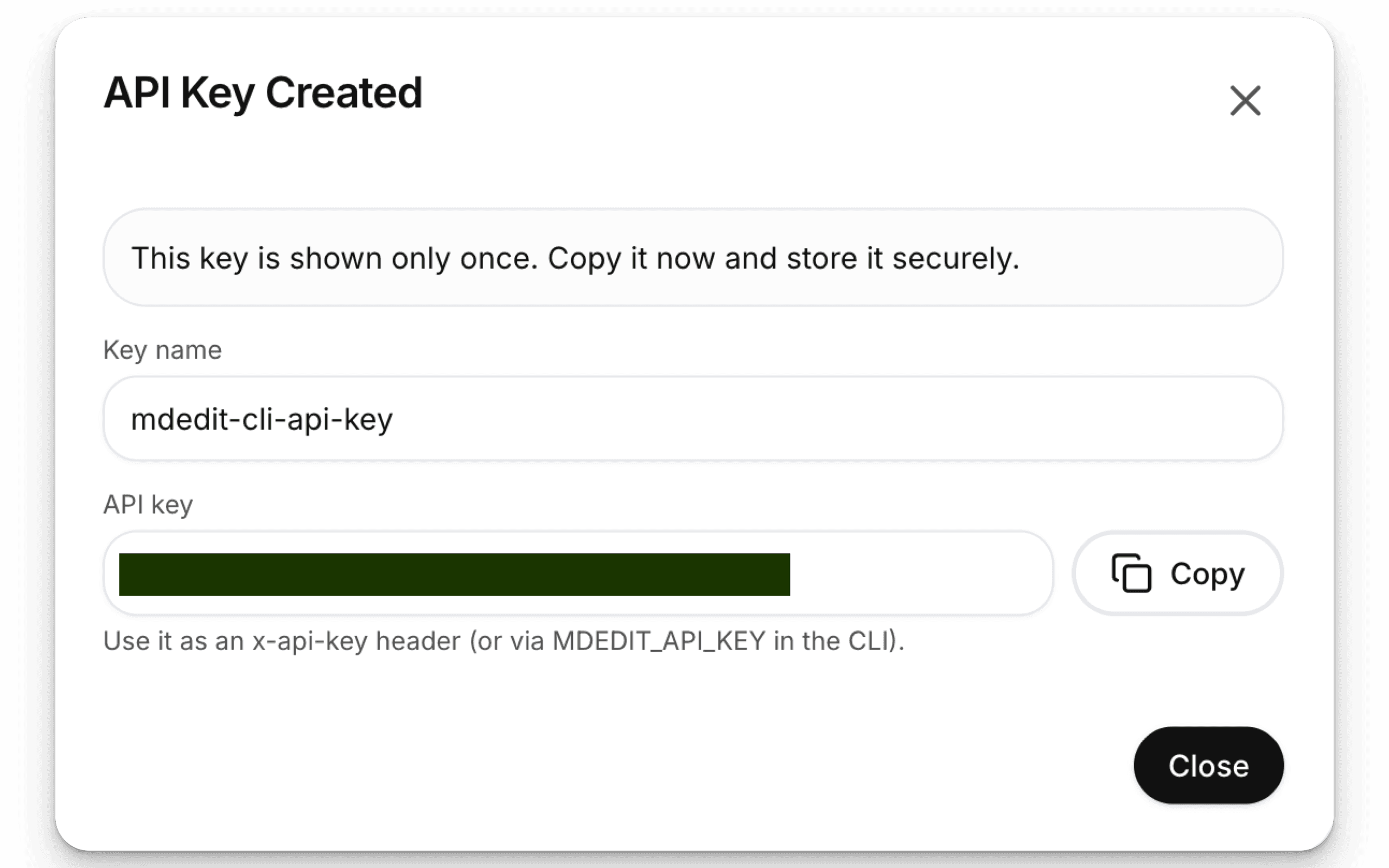
Use your API key
- HTTP: send it as an
x-api-keyheader. - CLI: set it as
MDEDIT_API_KEY(or paste it when the CLI asks).
Related
Manage API keys
In Settings → Integrations → API Keys you can:
- View your keys (name, prefix, created date, last used, expiration)
- Revoke a key (it stops working immediately)
- Delete a revoked/expired key from the dashboard (permanent)
Permissions disclaimer
API keys act on behalf of your account. For now, keys may not be limited by fine-grained permissions/scopes, so treat them like a password:
- Don’t share or commit them to git.
- Use separate keys per device/CI job and rotate them if you suspect a leak.