Markdown Viewer & Reader
Markdown Viewer & Reader renders Markdown files directly in your browser with a clean reading mode and GitHub-style formatting.
Install
- Chrome Web Store (opens in a new tab)
- Firefox Add-ons (opens in a new tab)
- Microsoft Edge Add-ons (opens in a new tab)
No install option: use the Scratchpad (no login) (opens in a new tab).
What it’s for
- Reading Markdown (
.md,README.md) without “raw text” pages - Auto-rendering
*.mdURLs you open in the browser - Previewing local Markdown files (
file://) with one-time permissions
How it triggers
Web URLs (http:// / https://)
The extension auto-renders “raw” Markdown URLs (for example anything that ends in .md / README.md).
If you’re on GitHub, prefer the Raw view (or the raw file URL) for the cleanest results.
Local files (file://)
Local files need a one-time browser permission. Follow Extension file access, then open the .md file again.
Permissions & privacy
- The extension reads the current page to render a preview (and may fetch the Markdown from the URL you’re viewing so it can render raw Markdown cleanly).
- It does not upload your Markdown to mdedit.ai servers unless you click an explicit “open in mdedit.ai” link.
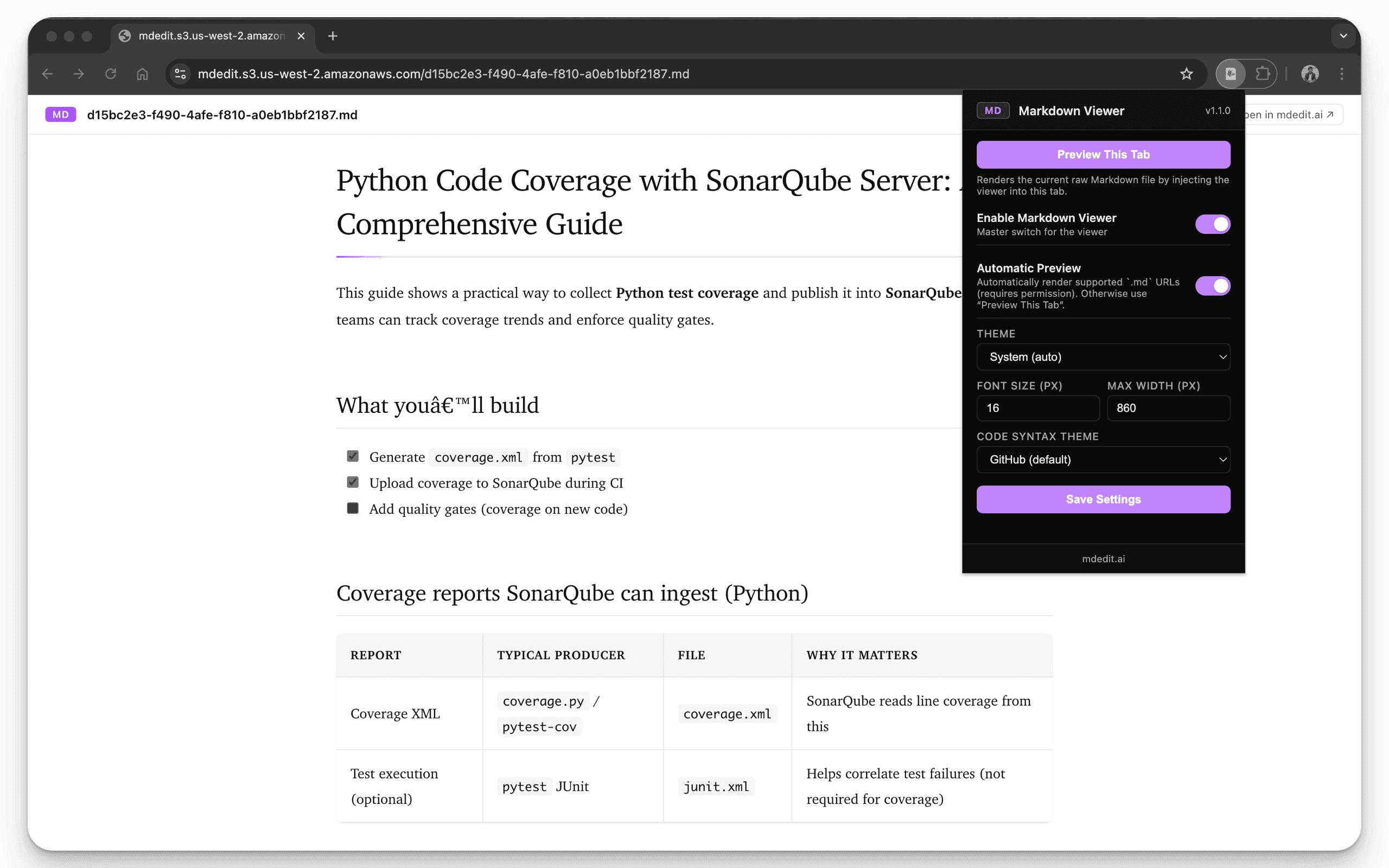
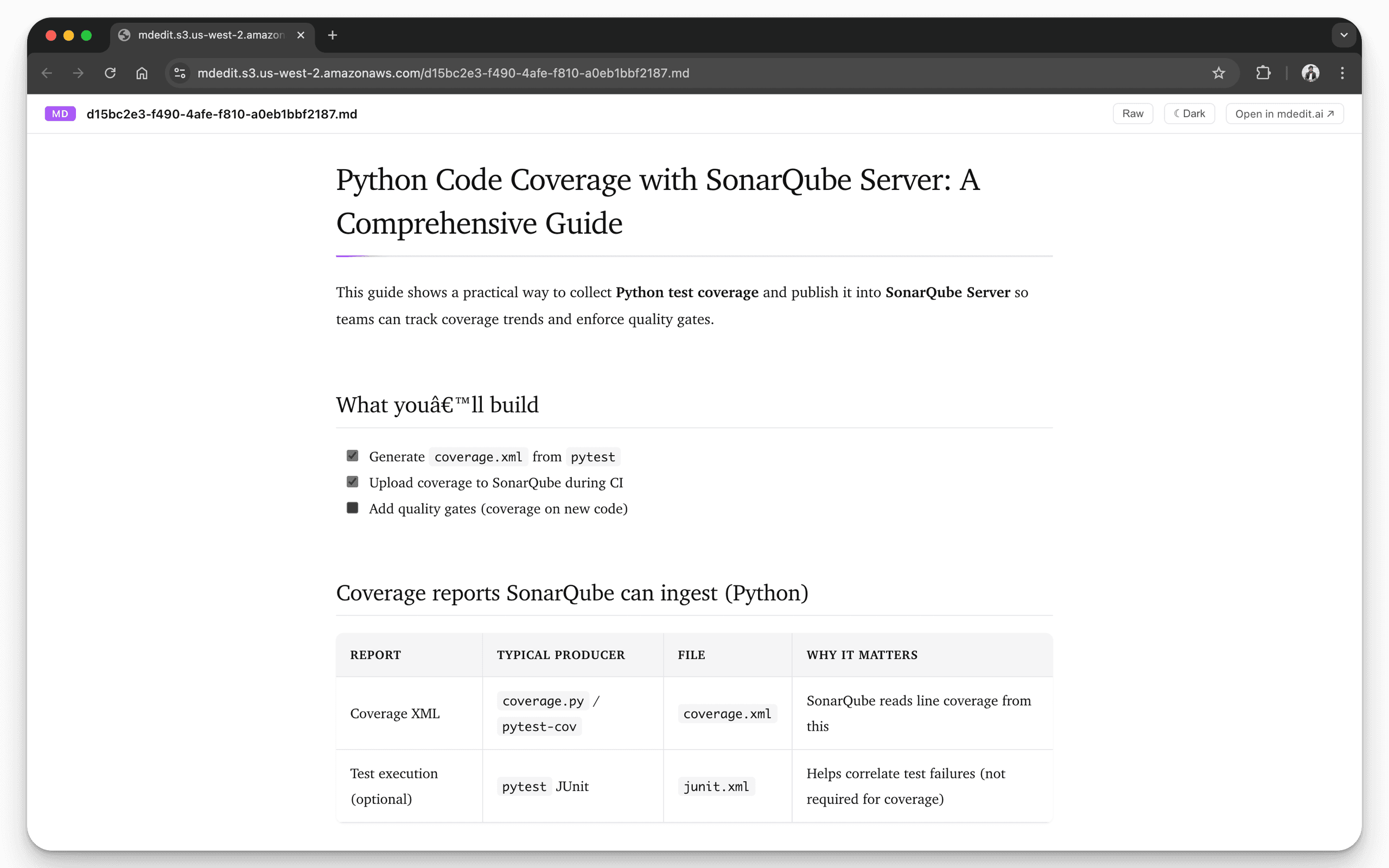
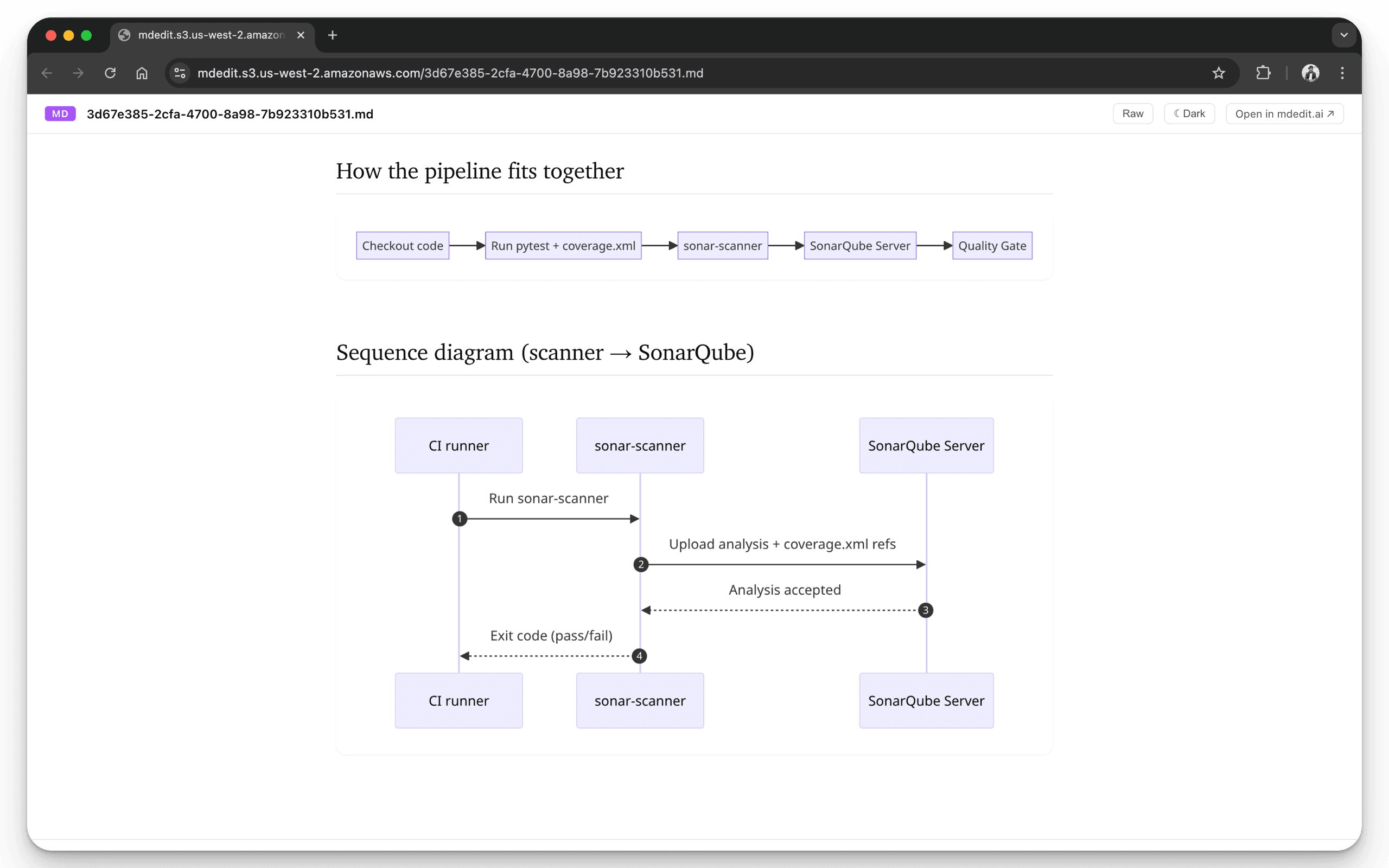
Screenshots
Troubleshooting (common issues)
1) Local file rendering doesn’t work
- Chrome/Edge: enable Allow access to file URLs, then refresh the tab.
- Firefox: enable Automatic Preview, or use Preview This Tab.
2) It doesn’t render a URL I opened
- Confirm the URL is a raw Markdown page ending in
.mdorREADME.md. - If you’re on GitHub, click Raw and try that URL.
3) The page stays plain text
- Hard refresh the tab.
- Disable other Markdown viewer extensions that might be competing.
4) It renders the wrong theme or looks odd
- Toggle theme options in the extension popup and refresh.
- Confirm your system/browser theme settings (light/dark) are what you expect.
5) Conflicts with another Markdown extension
- Disable other Markdown viewer extensions and retry.
- If the issue disappears, re-enable extensions one by one to find the conflict.
Related
- Want preview inside an editor? Use the VS Code extension.
- Want full editing + export + sharing? Start with the Web App overview.