Export & share
mdedit.ai supports exporting your document into formats that are easy to share with others.
Export (PDF / HTML)
Use the export/download flow when you want a file you can email, upload, or commit to a repo.
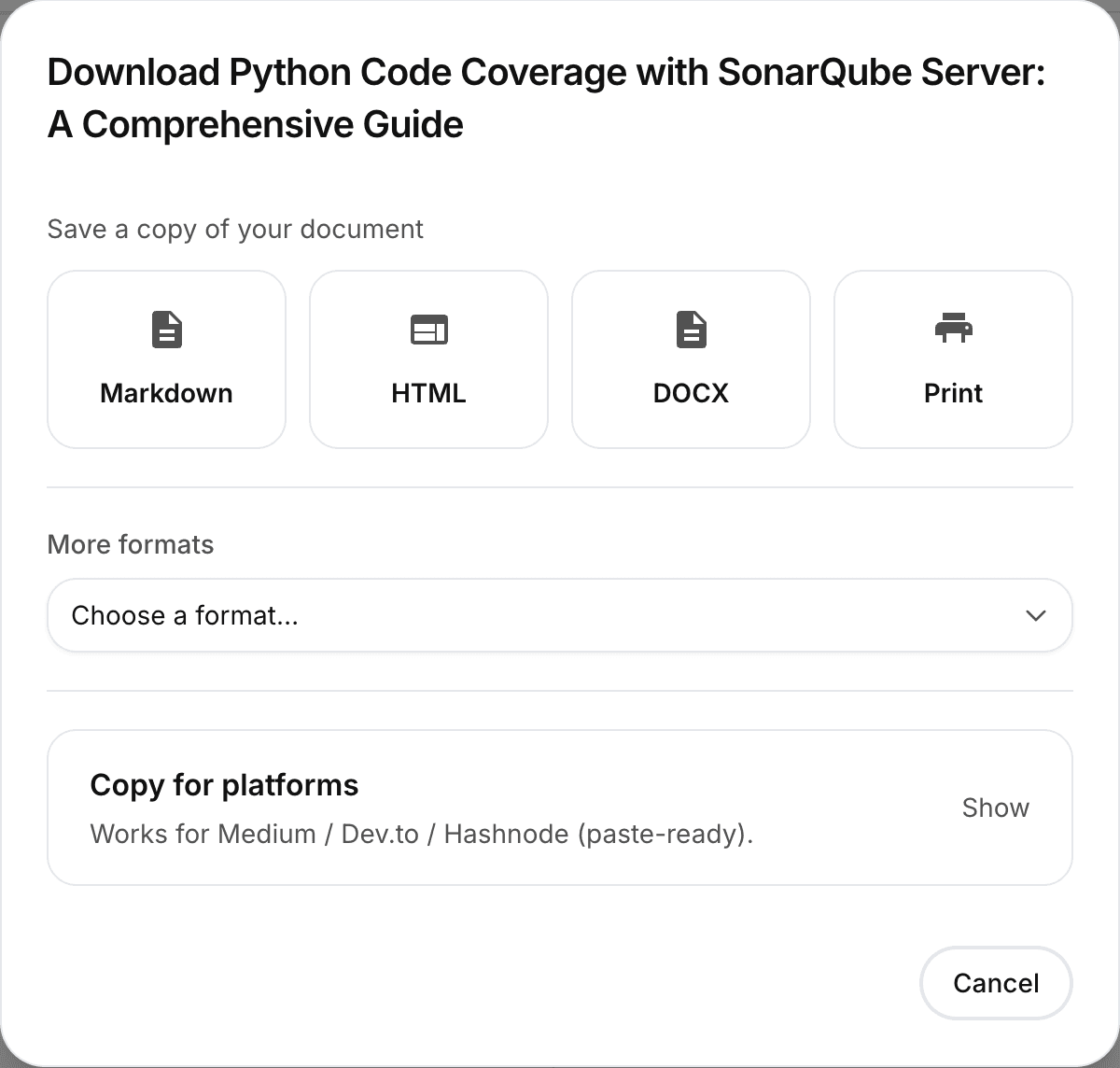
Typical exports:
- PDF for a polished, “final” artifact
- HTML for publishing or embedding in other tools
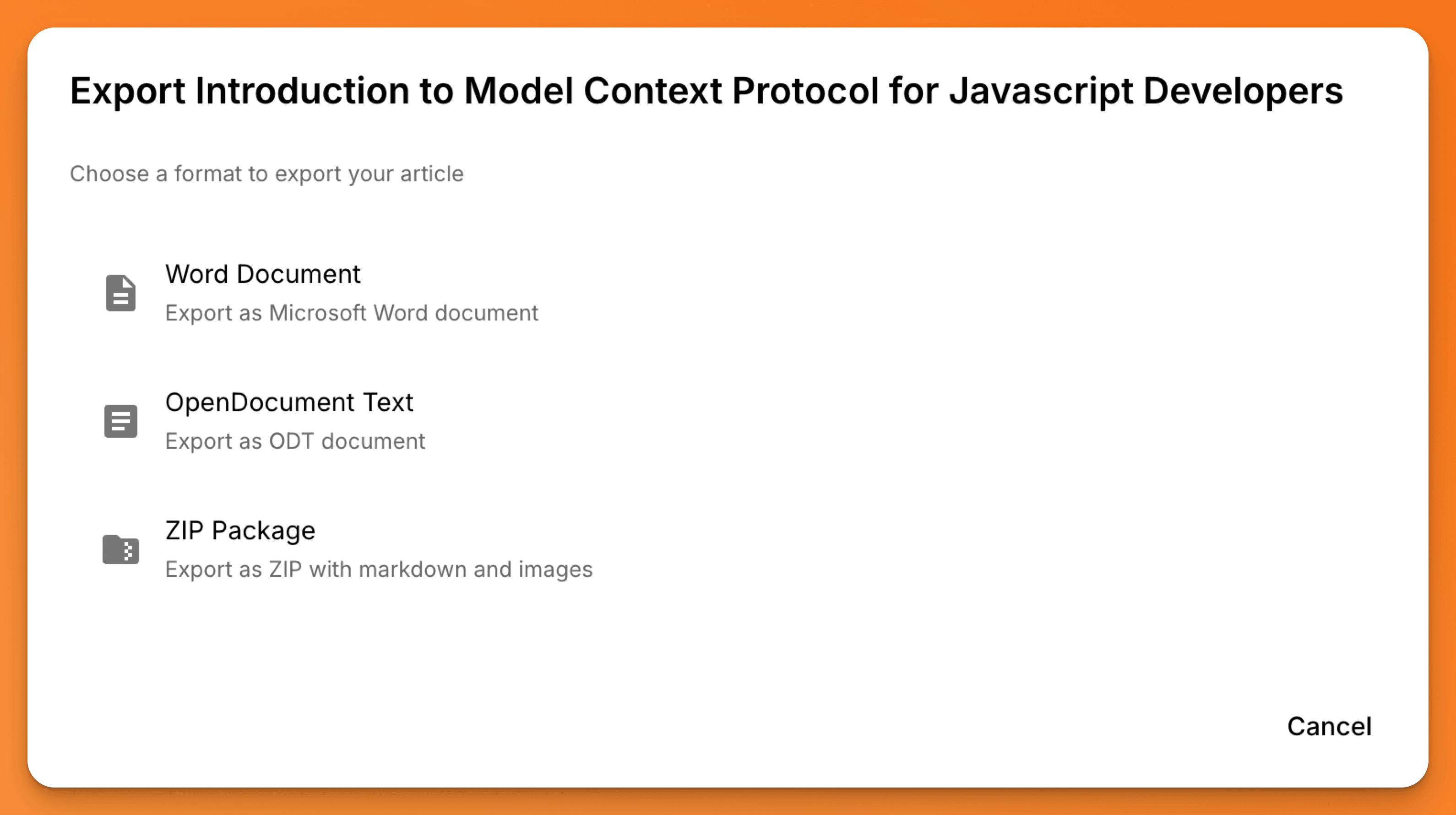
Depending on your plan and enabled features, you may also see additional formats (for example Markdown, ZIP packages, or document formats like DOCX/ODT).
Share & collaborate
Use the share flow when you want to share the document itself, not just a file.
Common options include:
- Invite other mdedit.ai users to collaborate
- Create a public, view-only link (snapshot)
For details, see: Sharing & collaboration.
Publishing destinations (optional)
If publishing integrations are enabled, you may see options like GitHub Gist or S3-hosted copies.
See: Publishing.
Troubleshooting
- If export fails, start here: Export & print troubleshooting
- If diagrams don’t render in exports, see: Diagrams not rendering