Sharing & collaboration
Use sharing when you want other people to access the document itself (not just a file export).
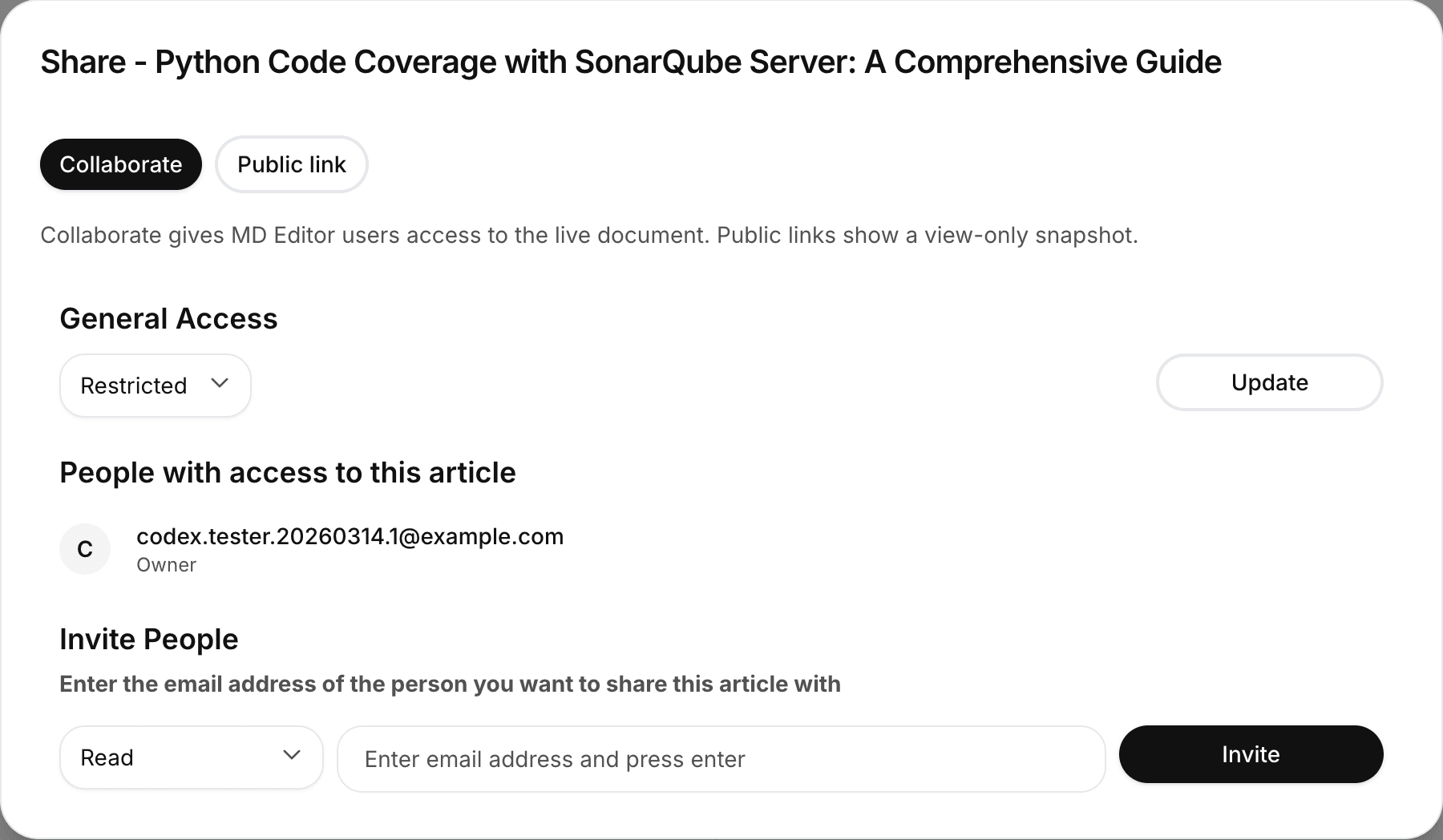
Collaborate (invite users)
Collaboration gives mdedit.ai users access to the live document.
Typical flow:
- Open a document in the editor.
- Open Share.
- Invite collaborators and choose their access level (read/write/owner, depending on your permissions).
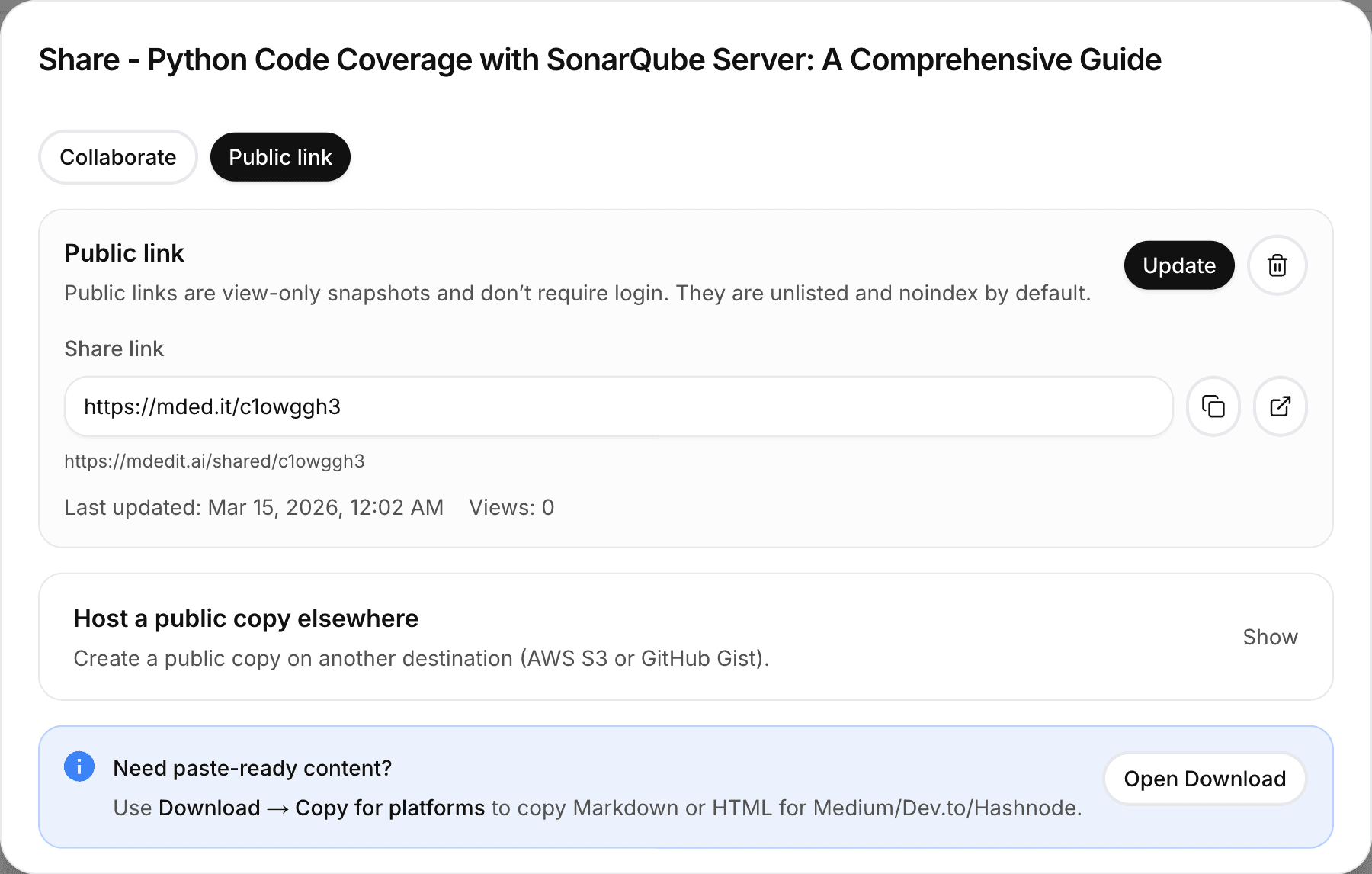
Public link (view-only)
Public links are view-only snapshots that you can share with anyone.
Troubleshooting
- If invites fail, confirm you’re signed in and have permission to share the document.
- If someone can’t access a public link, ask them to try again in a fresh/private browser window.
Related
- Want a downloadable file instead? Export & share
- Publishing integrations: Publishing