VS Code extension
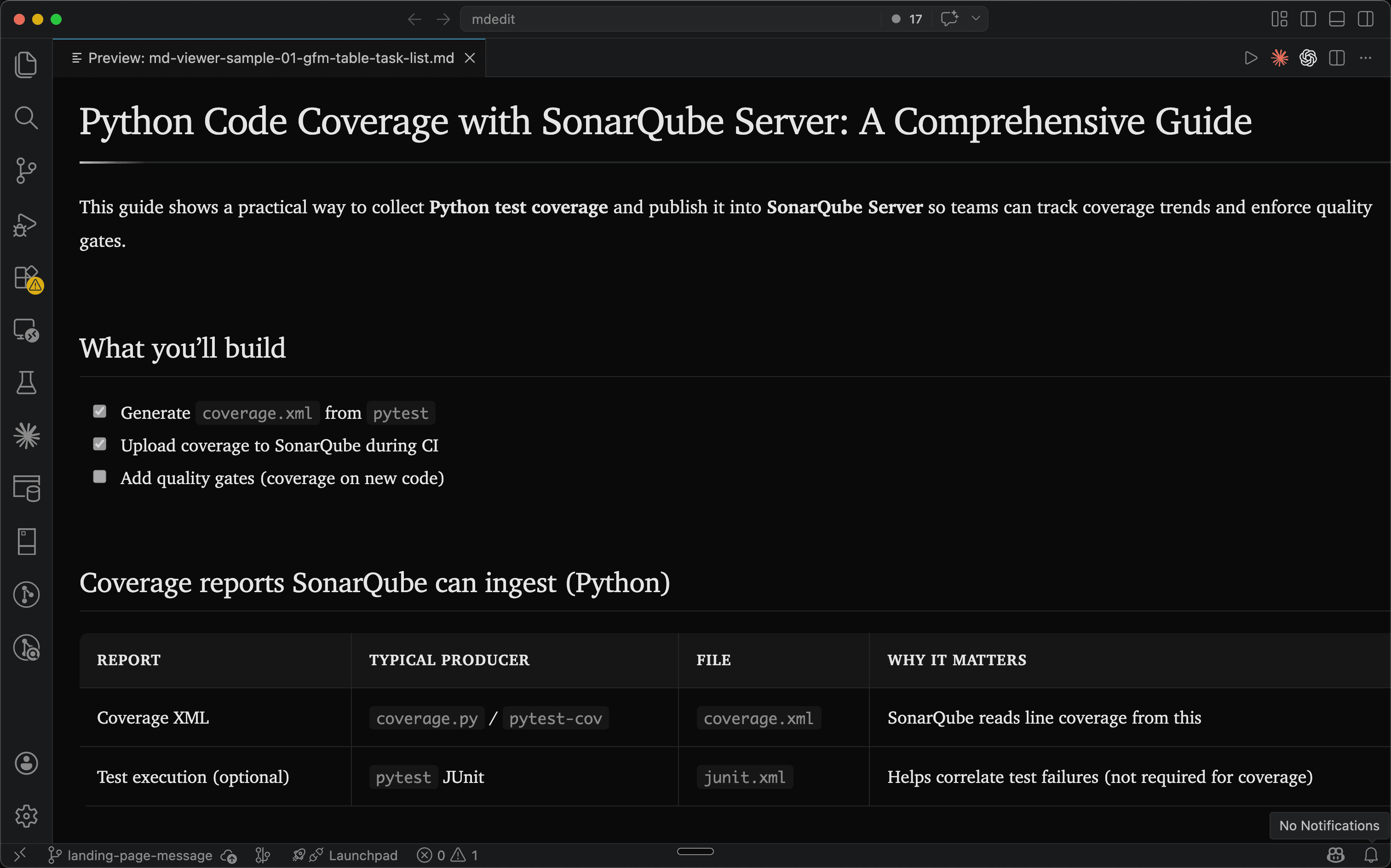
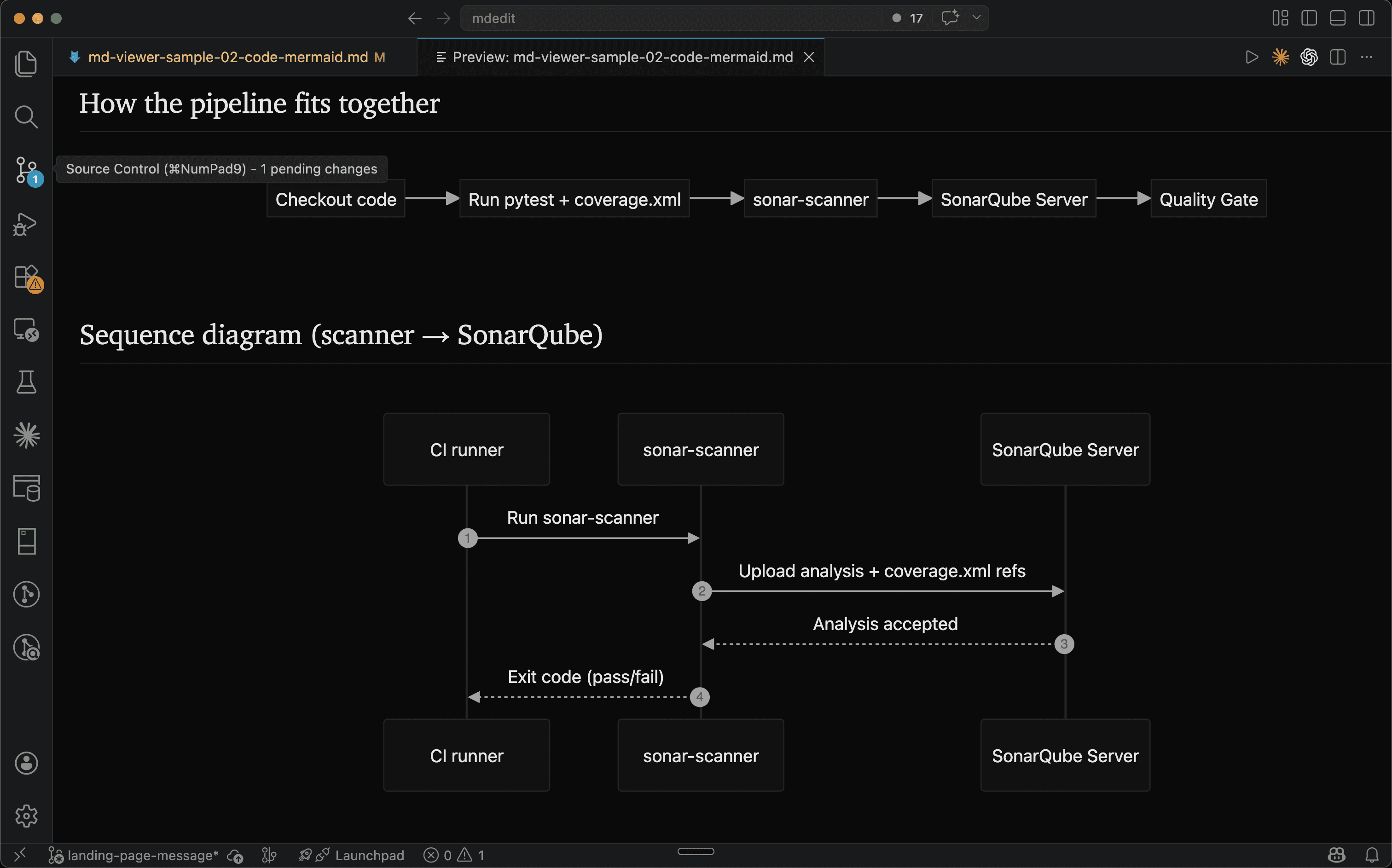
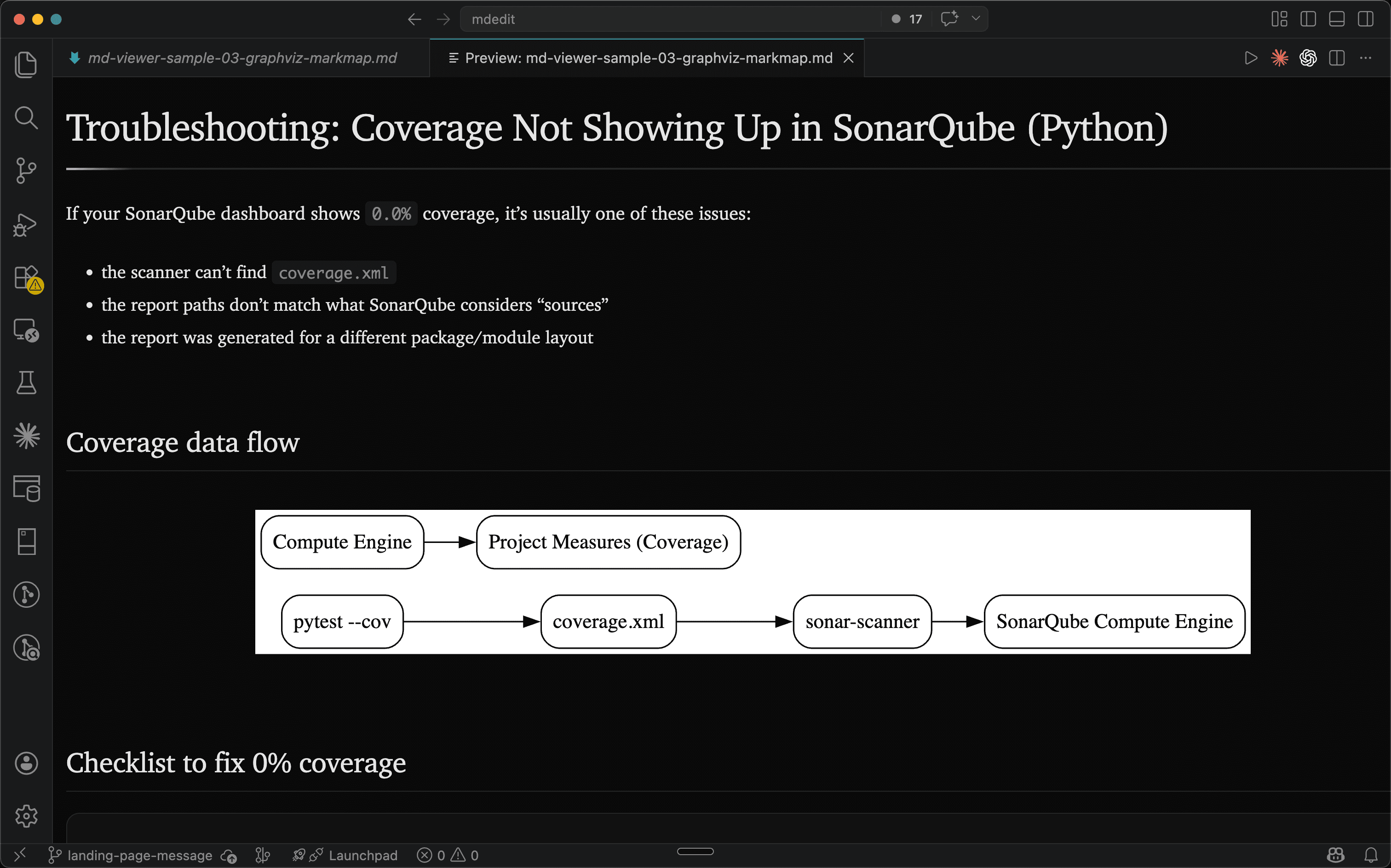
Markdown Viewer & Reader adds a fast, clean Markdown preview to VS Code with rich rendering (tables, diagrams, math) and export tools.
Install
What it does
- Live preview panel that stays in sync as you type
- GitHub Flavored Markdown (GFM) rendering (tables, task lists, code fences)
- Diagrams: Mermaid, Graphviz/DOT, Markmap
- Math rendering
- Export to HTML or PDF
Quickstart
- Open any
.mdfile. - Run Markdown Viewer & Reader: Open Markdown Preview (Command Palette), or use the preview icon in the editor title bar.
- To export, run:
- Markdown Viewer & Reader: Export to HTML
- Markdown Viewer & Reader: Export to PDF
Tip: PDF export opens a temporary HTML file in your browser and uses the print dialog (“Save as PDF”).
Screenshots
Privacy & offline
- No document content is sent to mdedit.ai servers by this extension.
- Rendering happens locally inside the VS Code webview sandbox.
- The extension works offline.
Known limitations
- PDF export depends on your browser’s print-to-PDF behavior and can vary slightly by OS/browser.
- Very large diagrams may render slowly depending on your machine.
Related
- Want browser auto-rendering too? Install the Markdown Viewer browser extension.