Templates
Templates give you an editable starting point for blog posts, tutorials, API docs, READMEs, design docs, RFCs, project plans, resumes, and other common formats.
Start from a template
- Choose New → Document from Template.
- Select a category and template.
- Replace the example content with your own.
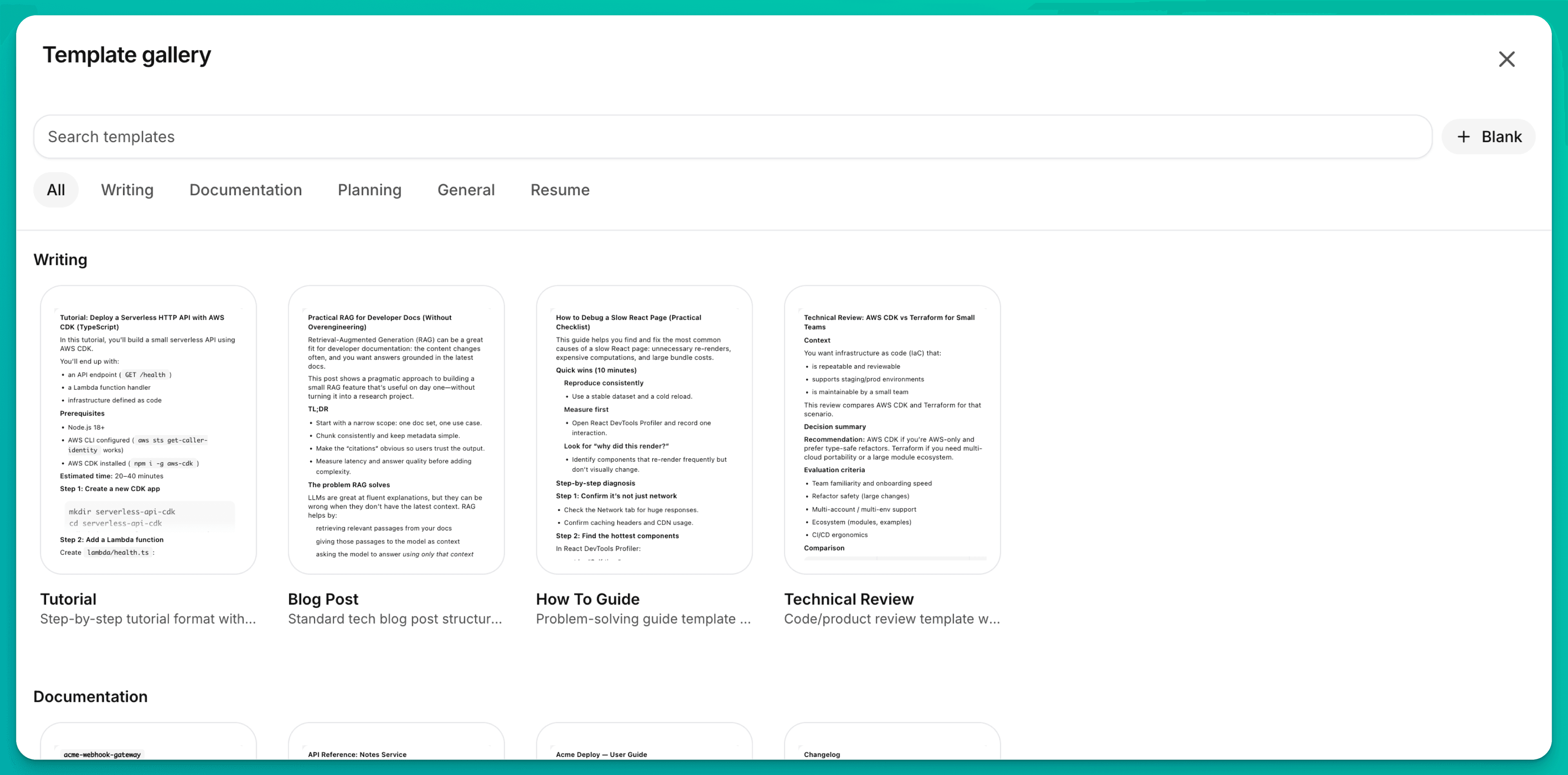
Browsing and creating from templates requires an internet connection.
Save your own template
- Open the document you want to reuse.
- Open the document ⋮ menu.
- Choose Save as Template.
- Add its name, slug, category, and description.
Saving a template also requires a connection.
For a print-ready Markdown resume, start with the Resume template and follow the Markdown resumes guide.