Folders
Folders organize documents inside a workspace and can contain nested folders.
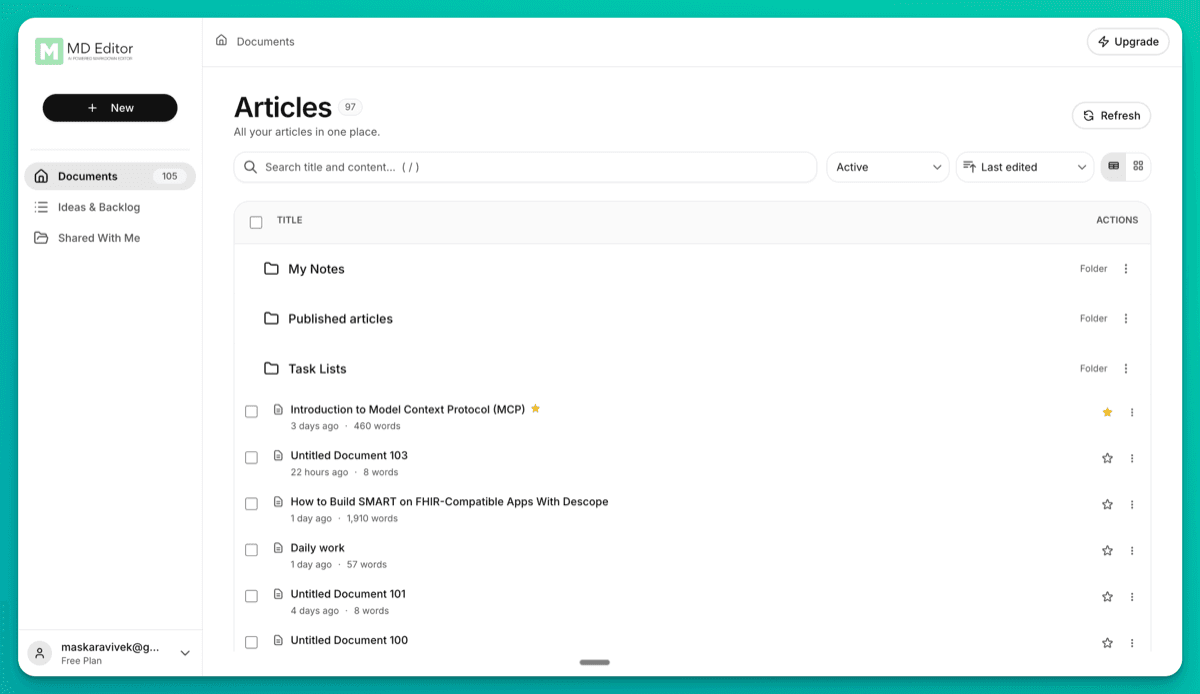
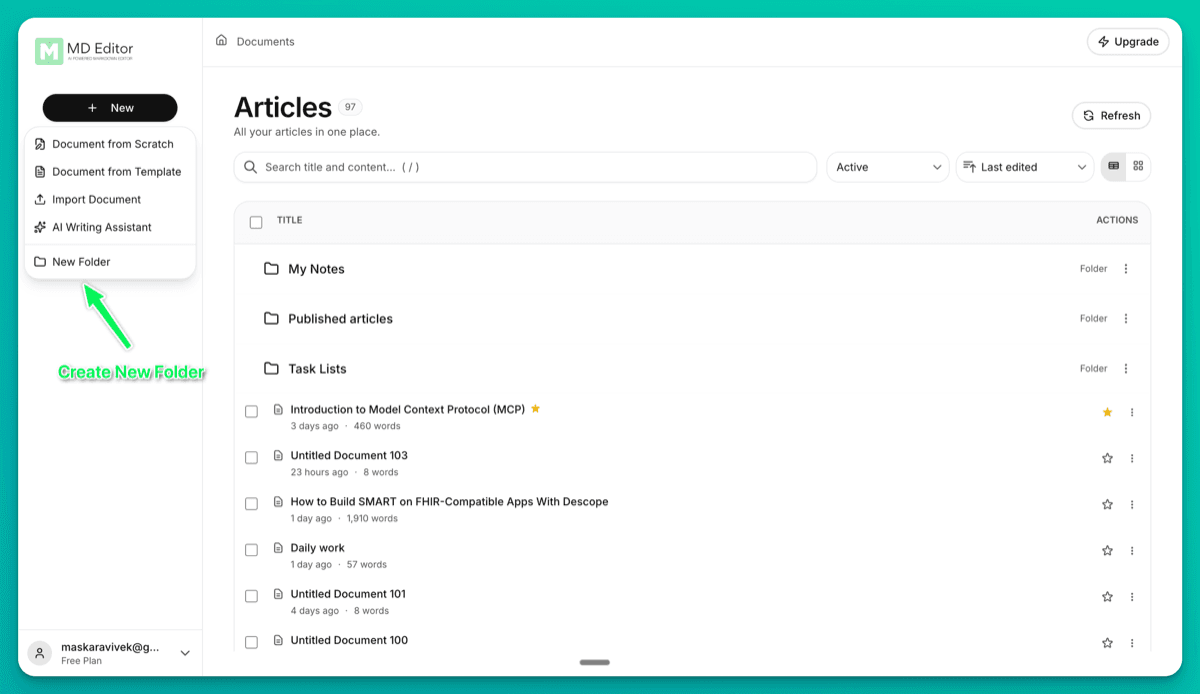
Create a folder
- Open the destination folder or stay at the Documents root.
- Choose New → New Folder.
- Enter a name and choose Create Folder.
Use the breadcrumbs to return to a parent folder. Use a folder’s ⋮ menu to rename, move, or delete it; a folder must be empty before deletion.
Move documents
Open a document’s actions menu, choose Move to folder…, select a destination, and choose Move. In table view, select several rows to move documents in bulk.
Creating folders and moving documents work offline; changes sync after you reconnect. Drag-and-drop is not supported, so use the Move actions.